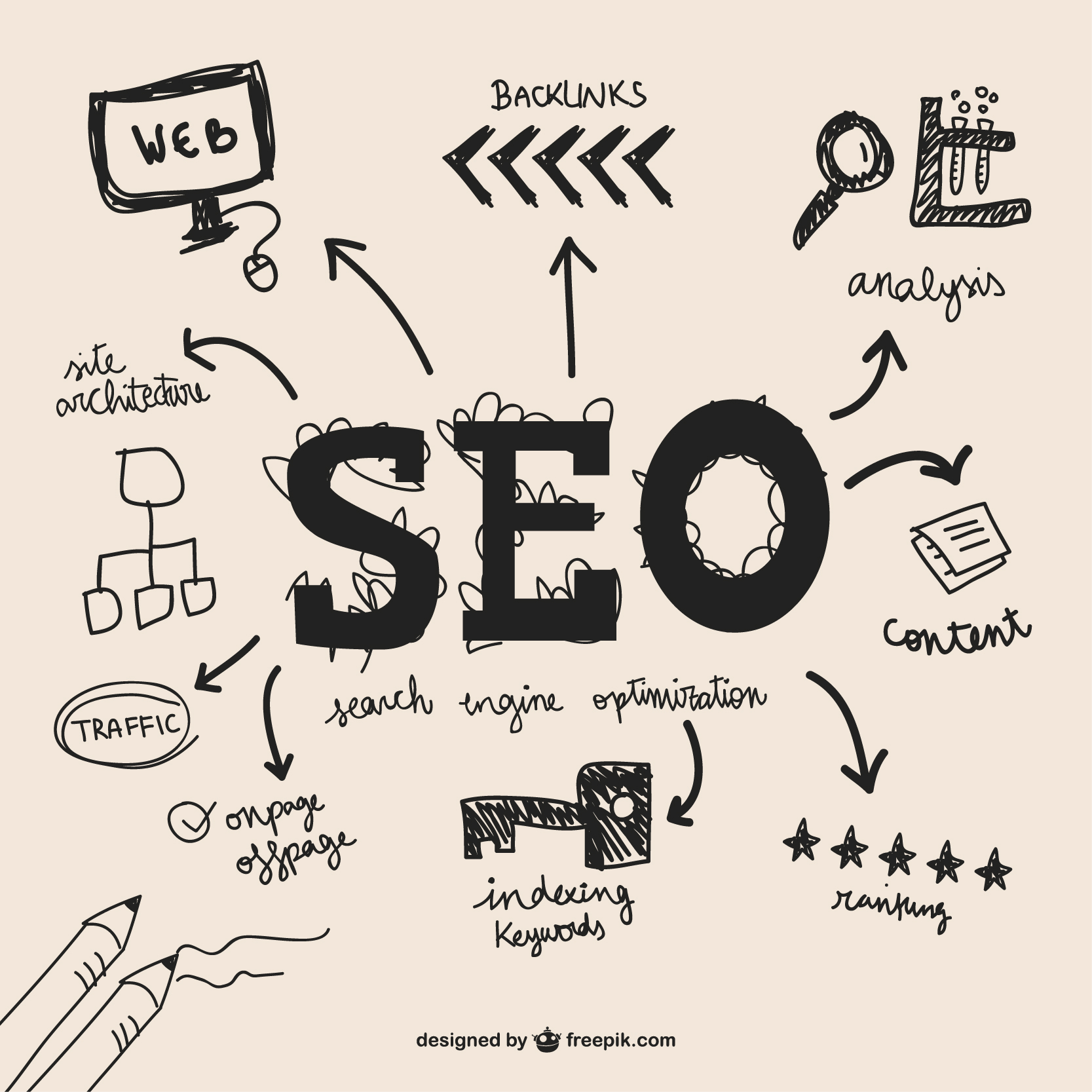
How to start with SEO?
Check your portal / website is indexed on google or not.
You can easily check about indexed page on google. Also you can see all pages on google to understand the issues with search.
In google search type 'site: <your website>'. e.g. site:blazingrise.com
You can write same in browser. It will display all indexed page on google
If you don't see your site, it means your website is not indexed on google. You can submit sitemap or request individual page on google to index.
You have to login to google search console to add your URL. After login, click on dropdown and add property. You have to verify domain and proceed as suggested by google.
Create sitemap of your portal.
Sitemap is a xml file which need to be submitted in google search console. You can generate is from any online website.
Search 'create sitemap.xml' on google. You will get lots of link. Use any to create sitemap.xml
Once sitemap is created upload it on google search console, https://search.google.com/
Login with your gmail to use google search console
If you add a new page anytime, update sitemap.xml of your website. You can update single page or all pages from google search console. To add single page, search page in top in search console and then you will get link to request for indexing.
Descriptive URLs
URL is very important for SEO. Make sure your URL is SEO friendly. SEO friendly URL means URL should be self descriptive. It should not be like any digit or any alphabet without any relevancy.
e.g;
https://www.blazingrise.com/234324234 Avoid it
Here '234324234', has not meaning or relevancy about page for search engine. Search engine will not able to understand anything about this page
https://www.blazingrise.com/services/website-design-development Use it
Here URL is proper. Search engine will know that its service page and service is related to website design and development.
Some important points to use in URL
- Avoid special characters in URL. e.g
https://www.blazingrise.com/services/website-design&development Avoid it
Use URLs without special characters. e.g.
https://www.blazingrise.com/services/website-design-development Use it
- Don't use space in URL
Avoid space in URL. e.g
https://www.blazingrise.com/services/website design development Avoid it
Use URL without spaces. e.g.
https://www.blazingrise.com/services/website-design-development Use it
- URL should be backward compatible ie. it should work even if we remove last block from URL.
e.g. https://www.blazingrise.com/services/website-design-development
It will show content of page related to website design and development.
Remove website-design-development from URL. New URL will be
https://www.blazingrise.com/services/
It should shows all services related to your company. It should be a valid page URL not any arbitrary page.
Remove services from URL. New URL will be
https://blazingrise.com/
It should shows your company page. It should be a valid page URL not any arbitrary page.
Like this page URL should be configured, so that even after removing one block, it should work properly without any issue.
If you are facing any issue on SEO, you can contact us any time, https://www.blazingrise.com/contact-us
Images took from freepik